Now in early access Built for in-store shopping iOS & Android

Kynto app — see it on you,
before you try it on.

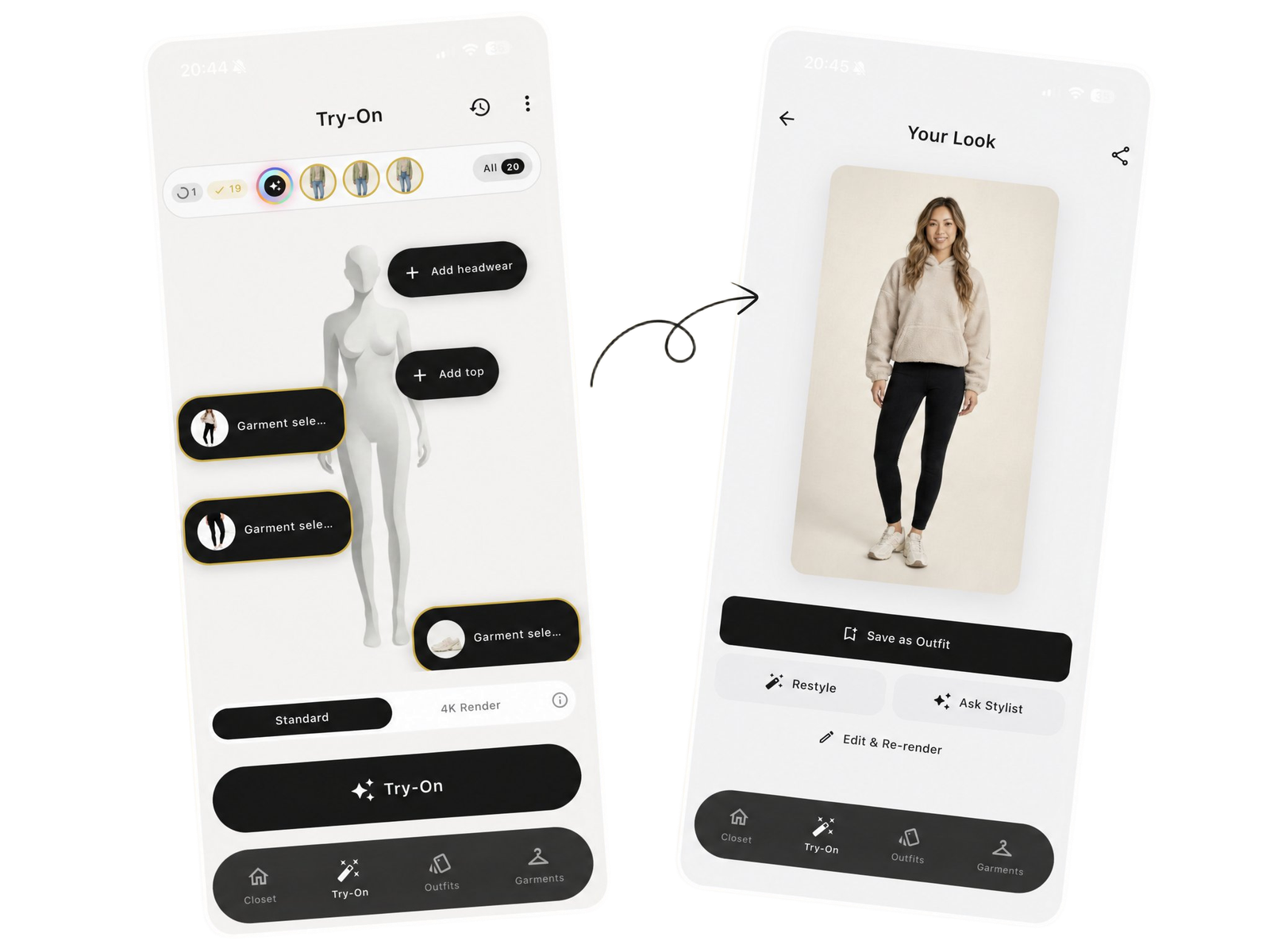
Kynto is the AI try-on app for real-life shopping. Add a garment by scanning it, reusing one from your Closet, or pasting a product URL — then see it on your body in seconds.

Download Kynto
Free to start Private by default Delete anytime
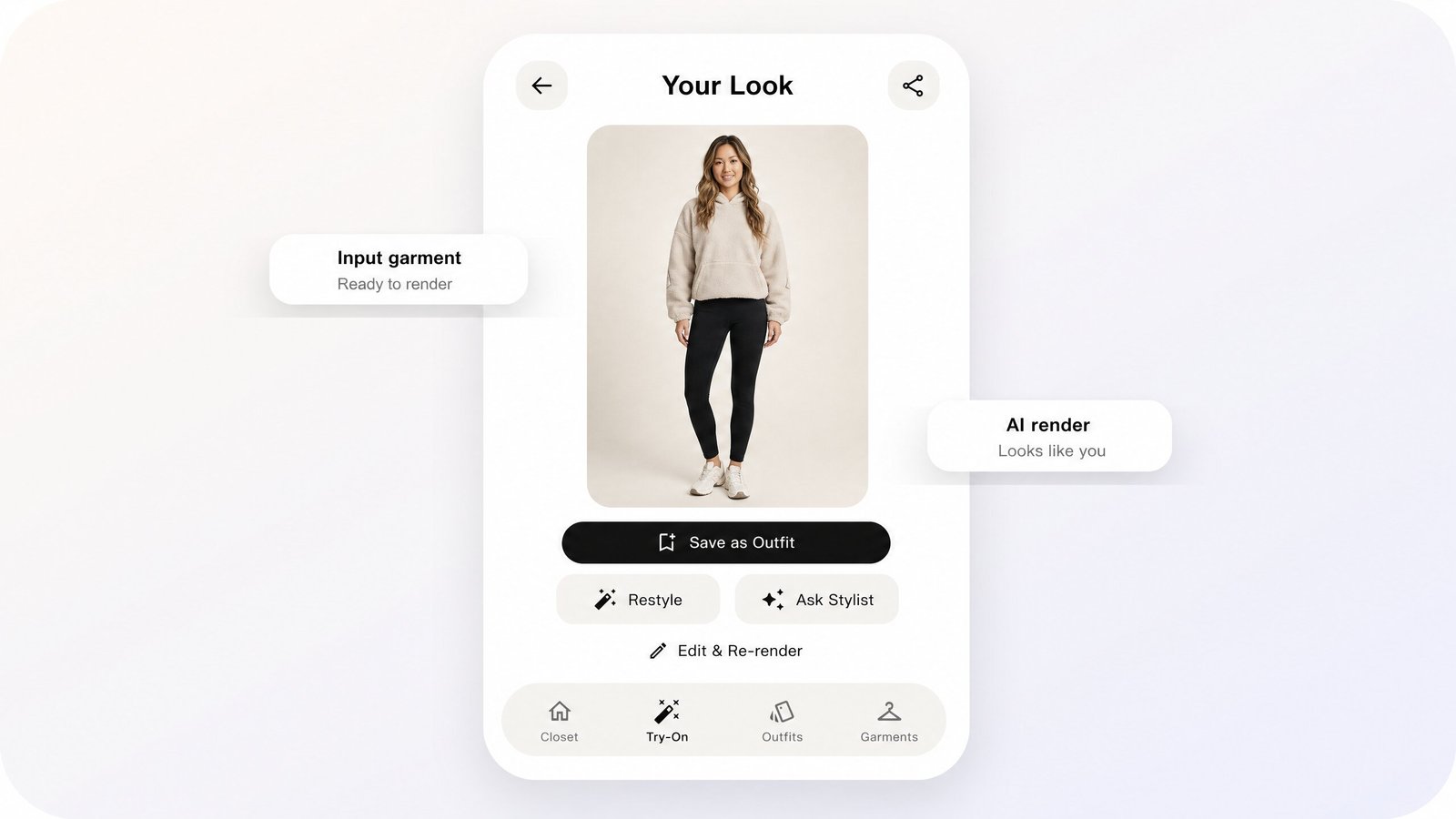
Kynto app — try-on of a sherpa hoodie, leggings, and sneakers rendered on a person
The friction

In stores, you see the garment.
Not the fit.

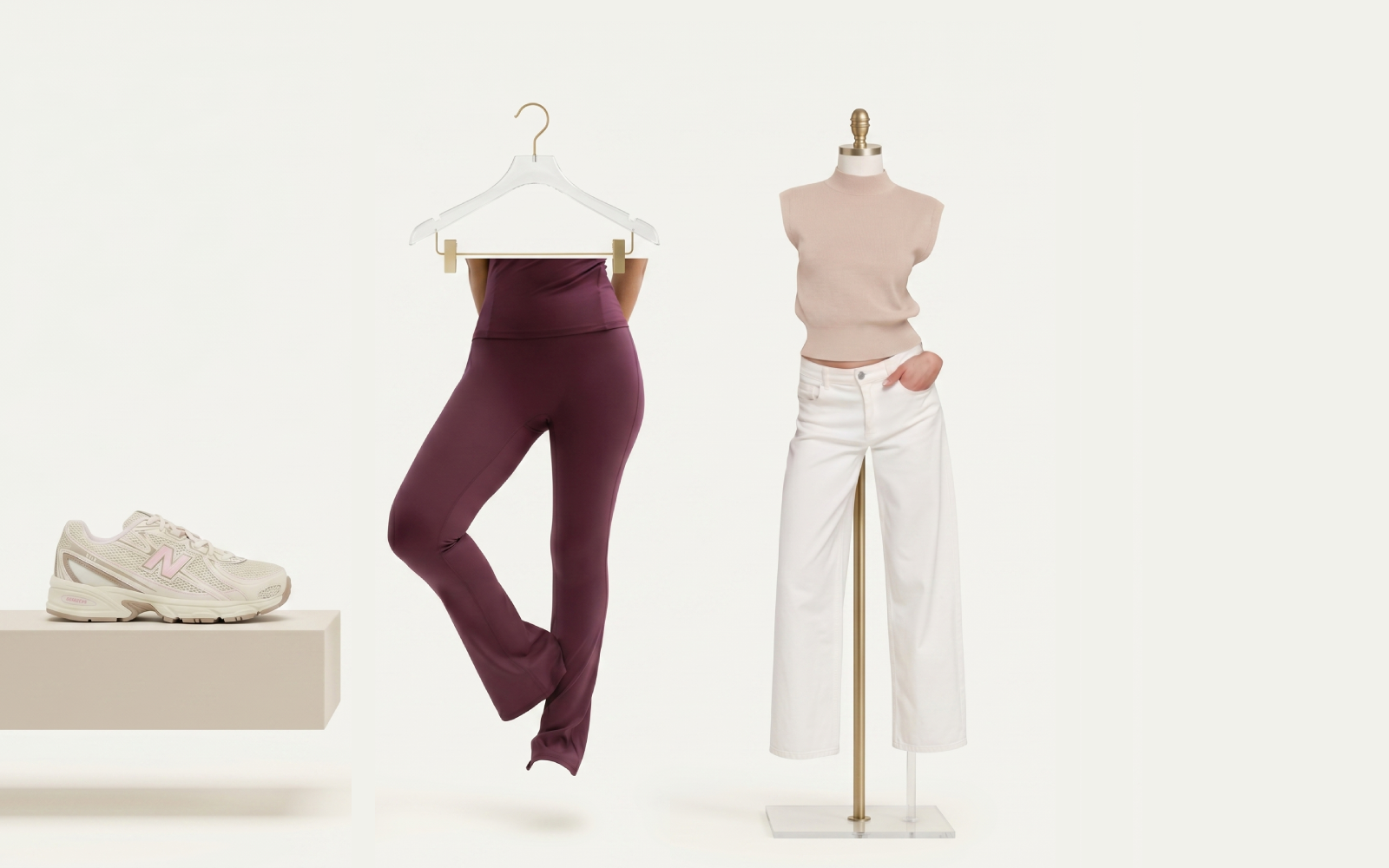
Online has models, styling, and angles. Stores have hangers, queues, and guesswork. Kynto closes the gap in your hand.

Time

No more fitting-room maths.

Skip the queue, skip the in-and-out. Compare more pieces in less time.

Context

Hangers don’t show drape.

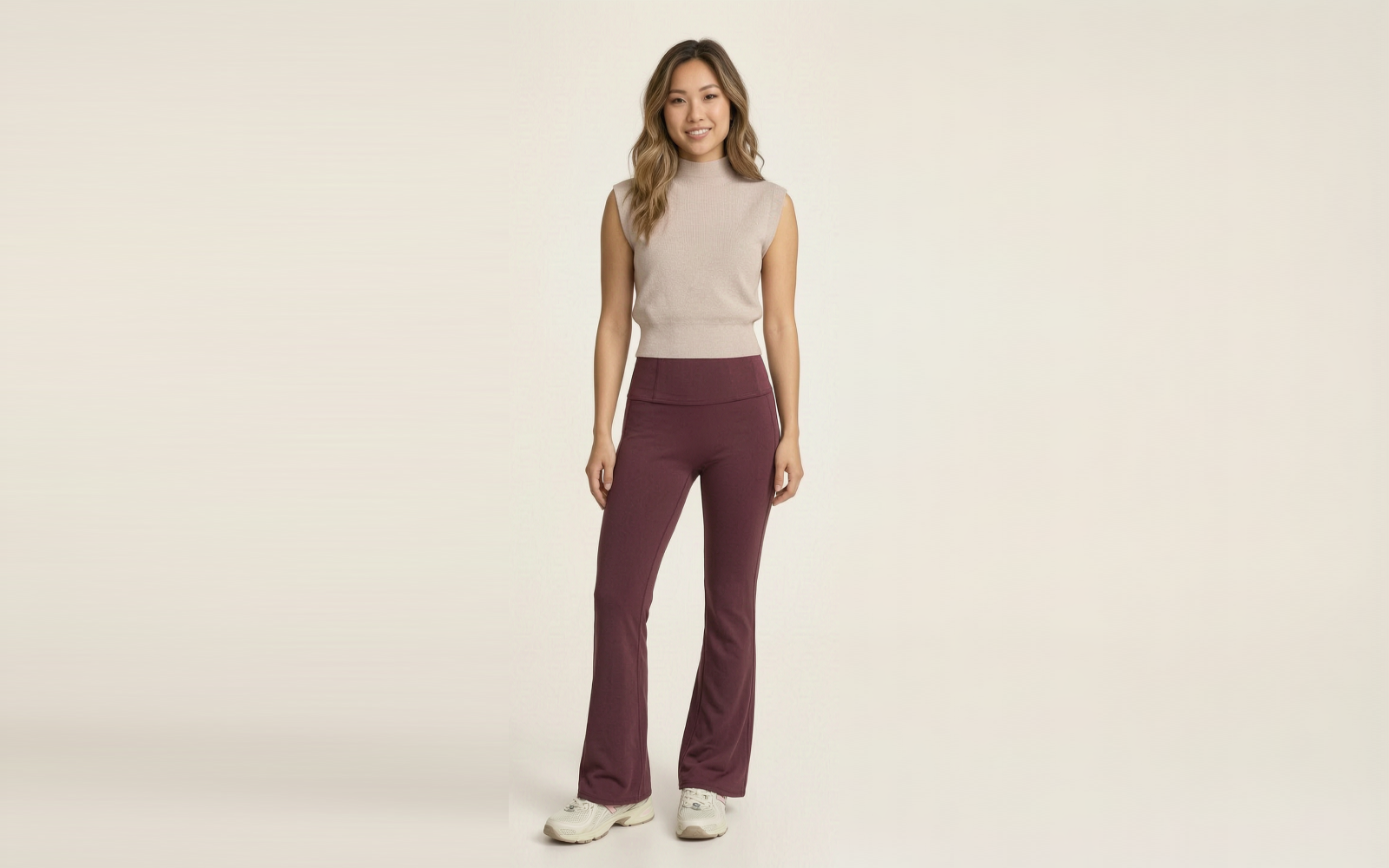
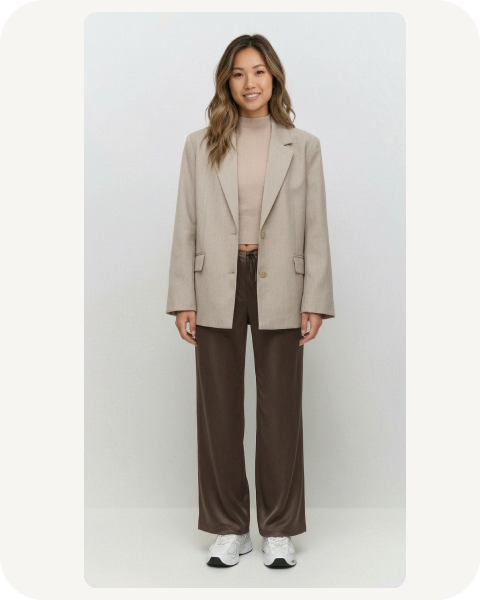
Kynto puts the garment on you, with realistic proportion and fall.

Confidence

Stop second-guessing the rack.

Quickly compare options side by side and decide without doubt.

See it in action Drag the handle
Before After Before — placeholder rack photo
After — placeholder try-on render
How it works

Three steps from rack to certain.

Set up once. Then pull out your phone whenever something catches your eye. Save what works to your closet.

Get the app
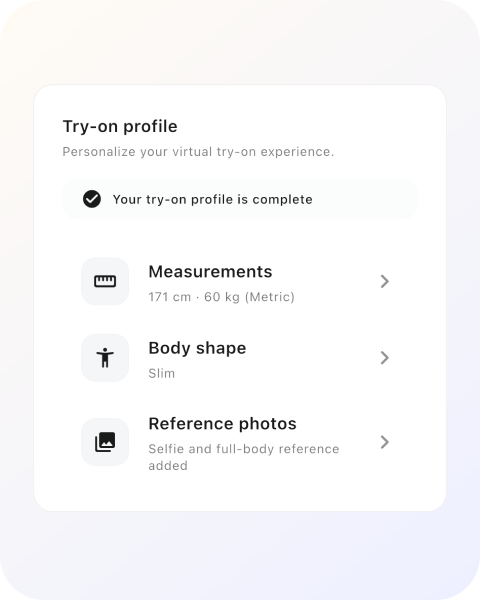
Profile setup screen preview
01

Make your profile

A consistent body profile so every try-on looks like you, not a stock model.

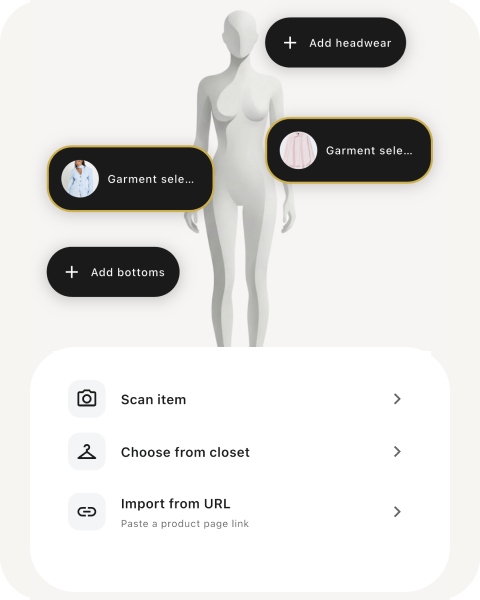
Add garment options screen preview
02

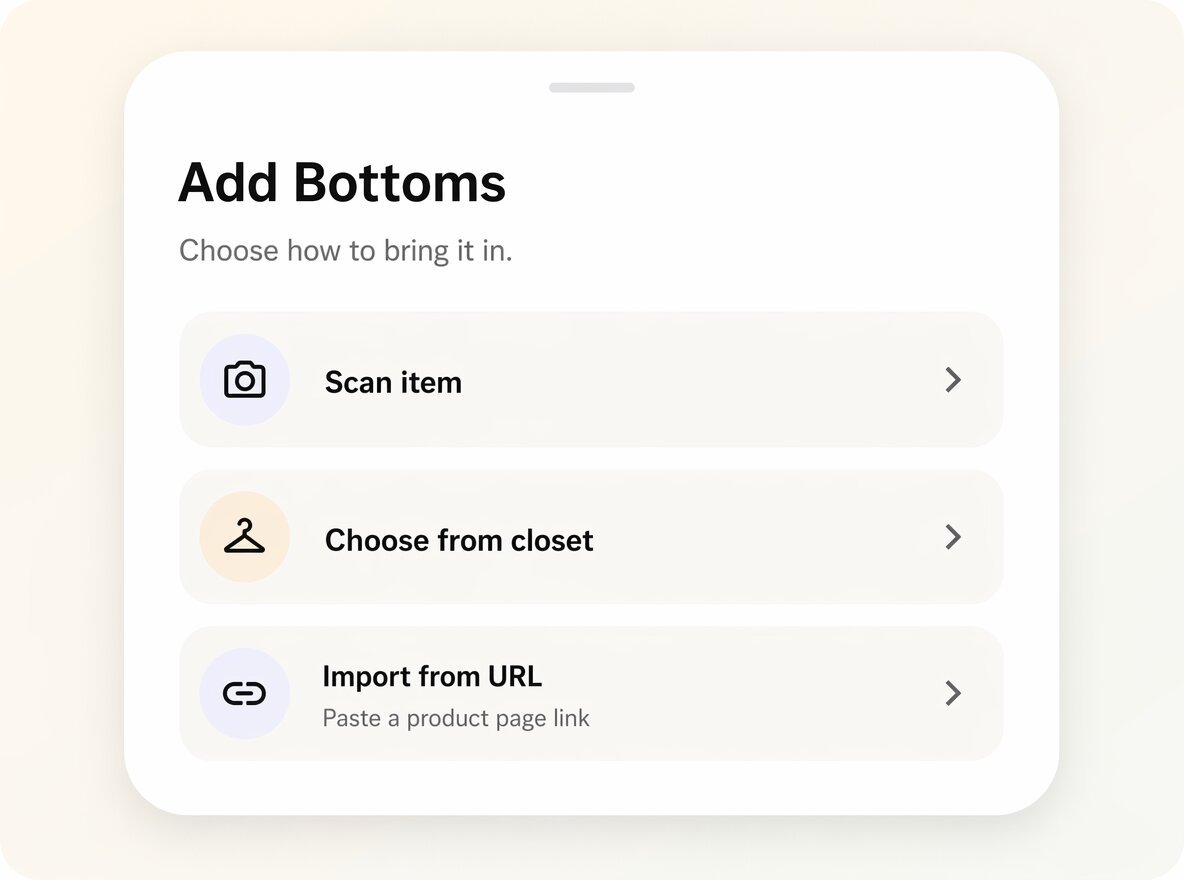
Add any garment

Scan in store, pick from your Closet, or paste a product URL. However you find it, Kynto gets it ready for try-on.

Scan item Use Closet Paste URL
Try-on render screen preview
03

See it on you

Compare two pieces, save favorites, and ask the AI stylist what matches.

Features

A full closet that lives in your phone.

Built for people who decide with their eyes — and don’t want to spend their Saturday in a queue.

AI try-on that looks like you

Identity-locked renders with realistic fit cues — proportion, drape, and fabric behavior.

AI try-on render screen preview

Add garments three ways

Scan a piece in store, reuse something already saved in your Closet, or paste a product URL to import it instantly.

Add garment options screen preview

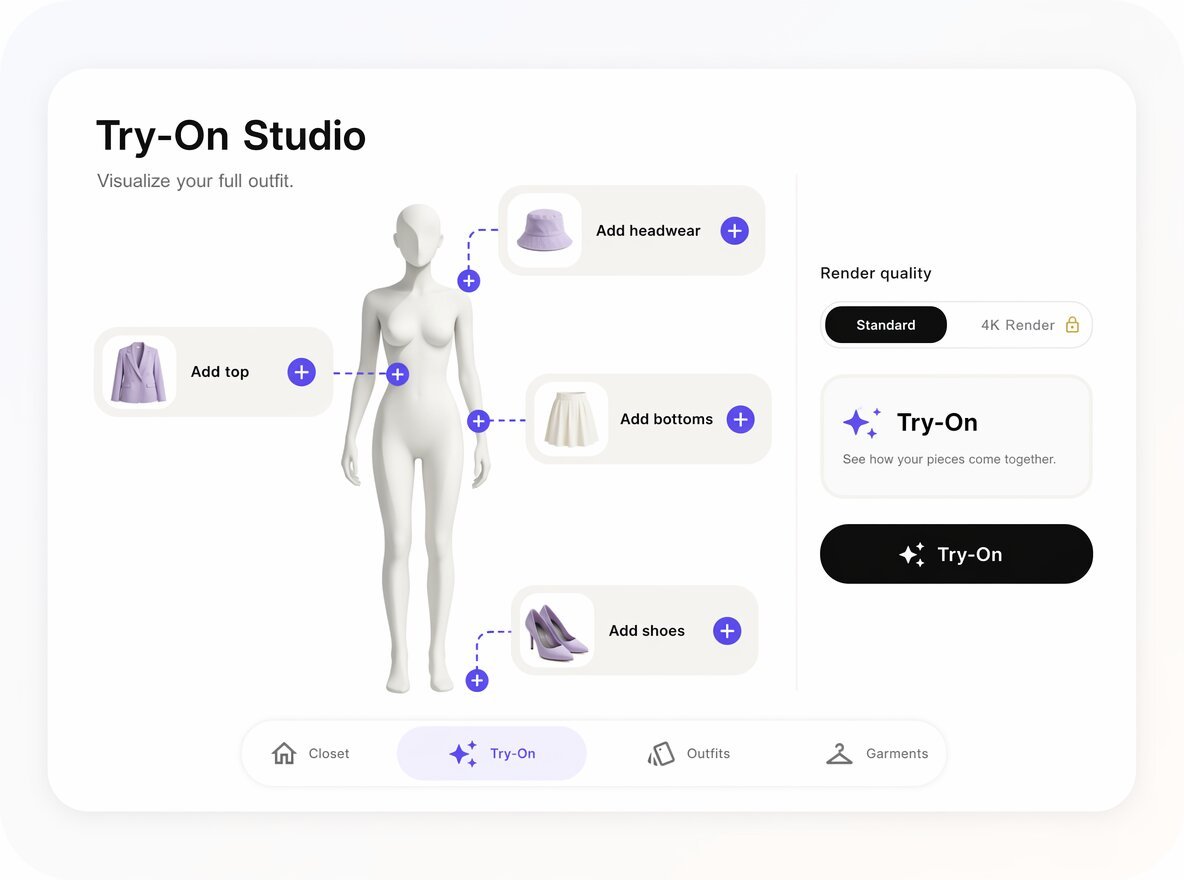
Outfit Studio

Combine tops, bottoms, outerwear and shoes into full looks.

Outfit Studio screen preview

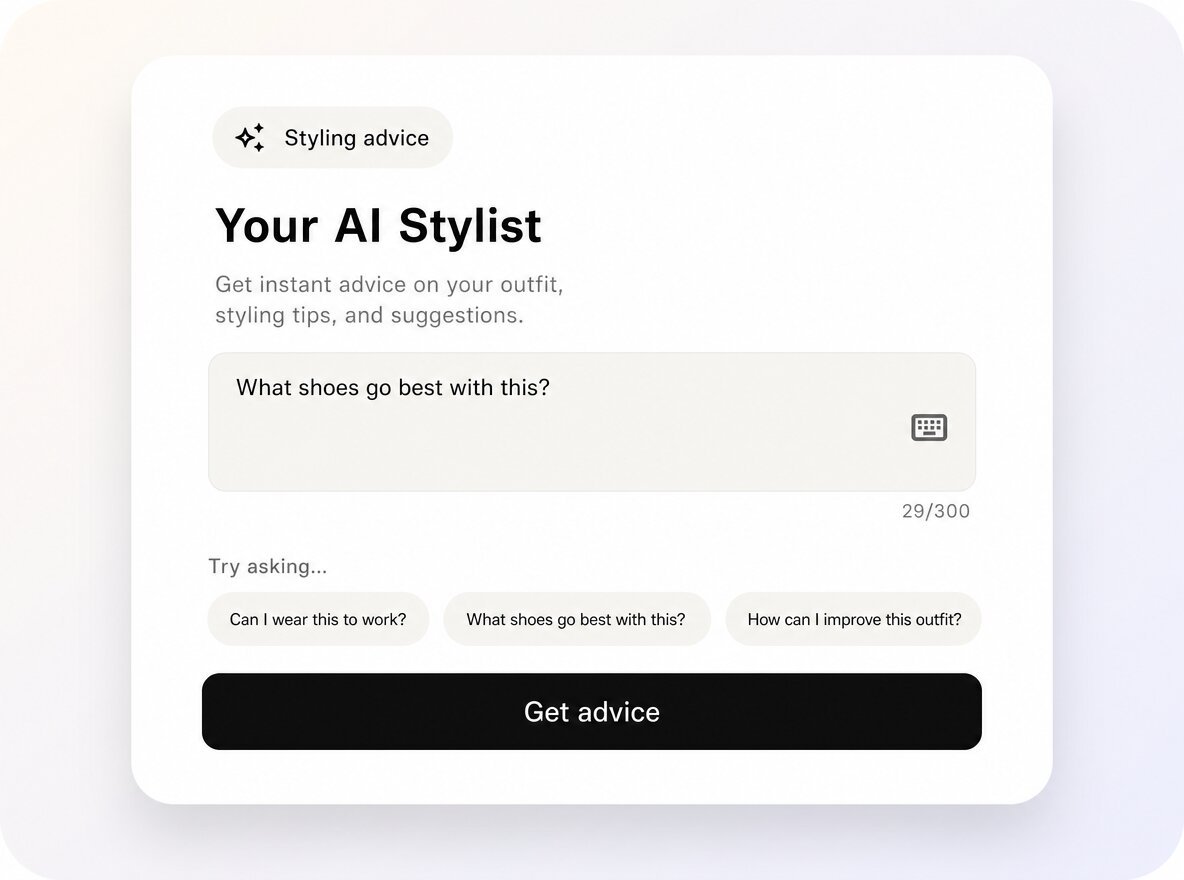
AI stylist

“What matches?”, “Is this party-ready?” — quick answers in plain language.

AI stylist chat screen preview

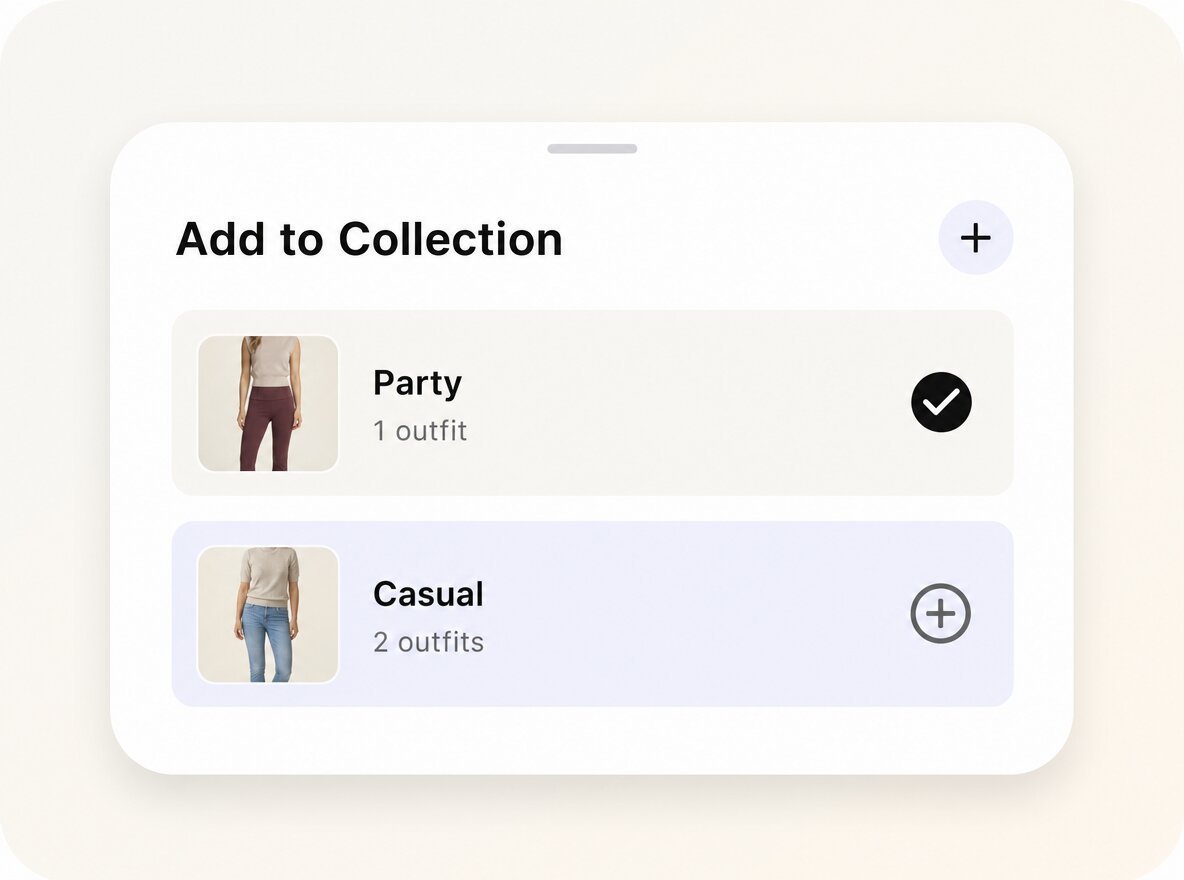
Collections

Group looks by season, vibe, or occasion.

Collections screen preview

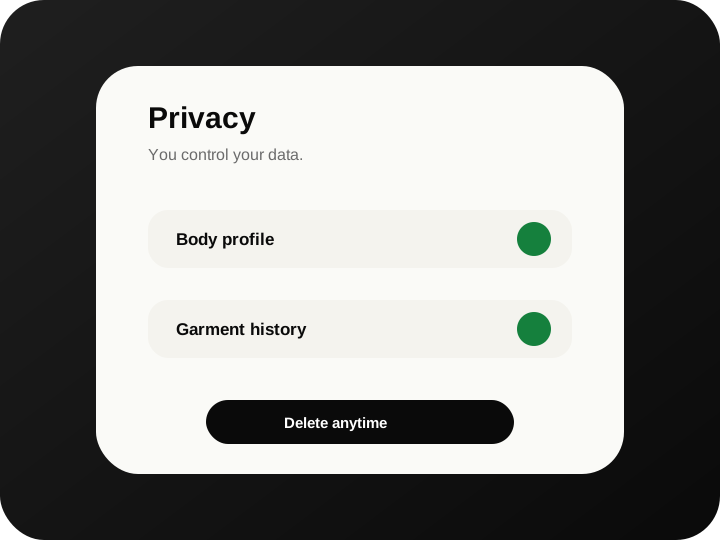
Privacy in your pocket

Your photos, your scans, your call. Delete profile and data anytime — built thoughtfully for AI use.

Privacy controls screen preview

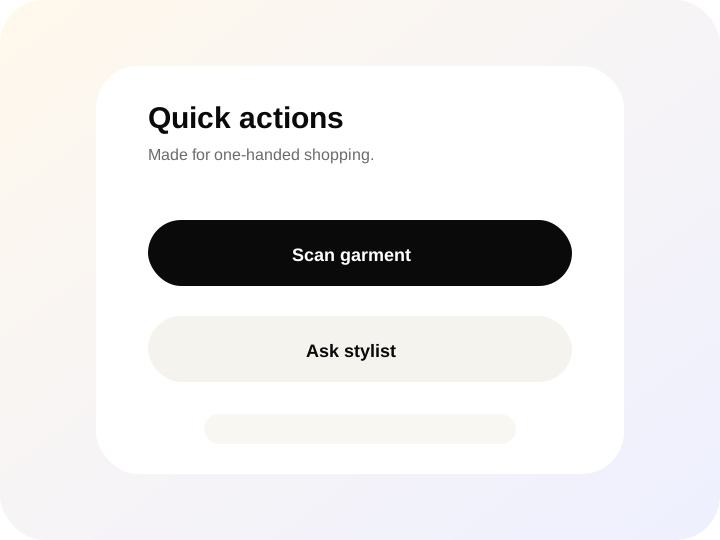
Designed for the aisle

Big tap targets, fast capture, and zero learning curve — even with a basket in one hand.
Aisle-friendly action screen preview
It’s like having a fitting room in my pocket — only quieter, and never closed.
Early tester · placeholder quote
Plans

Start free. Upgrade when you’re hooked.

Premium unlocks more try-ons, sharper renders, and the full Outfit Studio. Billed in-app.

Free
$0 / forever

The core experience to get started.

  • Weekly try-on allowance
  • Save key garments
  • Essential closet tools
  • Standard render quality
Download for free
Kynto+
Premium in-app

For people who shop weekly and care about how it lands.

  • Higher try-on limits & credits
  • Sharper renders (4K where available)
  • Full Outfit Studio & AI stylist
  • Collections & rich garment metadata
  • Product URL import
Get Kynto+
Questions

Short, honest answers.

Have something else? Reach the team via the contact page — we read everything.

Where do I download the Kynto app?

Grab Kynto on the Apple App Store or Google Play — use the badges on trykynto.com (below) or scroll to Get the app. The official site is trykynto.com.

Does it really work in store lighting?

Clear photos help most. The app nudges you toward better angles when light is uneven, and learns your typical fits over time.

What if I’m wearing a jacket while I scan?

Pick a view where the garment isn’t blocked. Outer layers can hide what you’re evaluating, so a quick switch helps.

Do I have to scan every garment in store?

No. You can scan a new piece, reuse an item you already saved in your Closet, or paste a product page URL to import the garment instantly.

What data does Kynto store?

Only what you choose to keep. You can delete your profile and scans at any time. Full details are in our privacy policy.

Will sharing be a thing?

Sharing is optional and off by default. You stay in control of what — if anything — leaves your device.

Is Kynto free?

Yes. There’s a generous free tier. Kynto+ unlocks more try-ons, higher quality renders, and the full Outfit Studio.

Ready when you are

Take Kynto with you on your next shop.

Free to download. Skip the fitting room, keep the magic.

App Store Google Play